- Get Started
- Programs
-
Workshops
Soldering WorkshopShow Drill WorkshopSpatial & Immersive Audio WorkshopGrand Relanch PartyRational Acoustics: SMAART Operator FundamentalsFilming for Live Performances WorkshopAudio Technica Wireless Microphone TechnologyETC 3 Day TrainingAlumni Mixer & Open HouseSapsis: Entertainment Rigging FundamentalsSound System Workshop With DEBONAIR and Wave MotionMinuit Une DemoProjection MappingMartin Audio: Optimized Line ArraysObsidian Lighting Control Level 1 & 2 TrainingAllen & Heath dLive Certification TrainingBob McCarthy: Stereo in the Round at Stadium ScaleSteel Yard Soundsystem WorkshopShure Wireless RF Systems WorkshopDrum Tech WorkshopAI for Live Entertainment: Announcing, Translation and AccessibilityObsidian Lighting Control TrainingDante CertificationYamaha Console WorkshopGetting Started with AbletonSound Design & Mixing for TheatreAbleton User Group Meetups Going Deeper with Ableton LiveEntertainment Power Distribution with LEX ProductsPangolin Laser Technician CoursesProjection MappingElevating as a Modern DJSports Broadcast AudioVideo Essentials WorkshopLED Pixel Mapping Workshop 2024Soldering Workshop
- Jobs & Gigs
- Industry Partners
- Youth
- About
Soldering Workshop
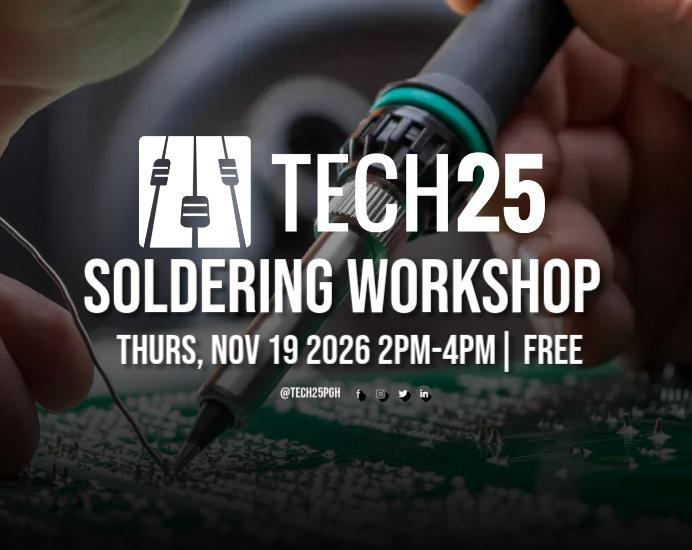
Thurs, November 19th, 2026
2PM-4PM | Free
Our Soldering Workshop is a hands-on, beginner friendly class guided by Tech25 staff member Mac Inglis. This meant to provide students with essential soldering skills in a professional and supportive environment.
Participants will be guided through how to safely repair an XLR cable.
All tools and practice materials are provided for use during the session.
Absolutely no experience required.
What you'll learn
- Safety & Workspace Setup: Proper handling of a soldering iron, temperature control, and setting a proper workspace.
- Tools & Materials: Understanding soldering irons, flux, solder wire, wire strippers, and desoldering tools.
- Core Techniques: How to tin your iron tip, create strong solder joints, and avoid common mistakes like cold joints or solder bridges.
- Troubleshooting: Basic tips for fixing errors and cleanly removing components.